Fake Door Testing for Indie SaaS Features
Validate feature demand before building by measuring actual user clicks, not just stated interest.
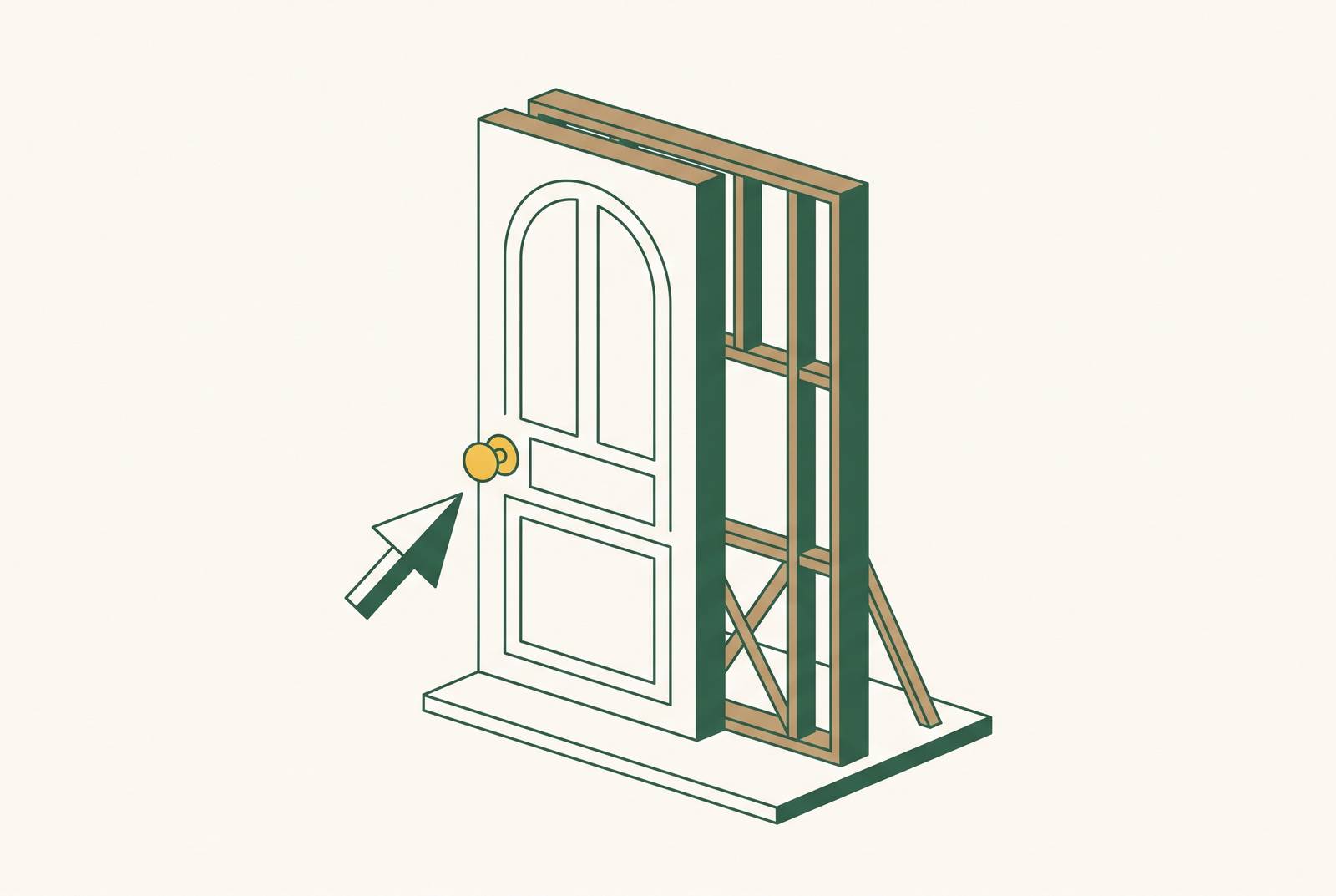
Fake door testing lets indie SaaS founders test demand for an unbuilt feature before writing product code. Its value is bluntly practical. A user who tries to use a feature gives better evidence than one who says it sounds useful. But a click is not a purchase or a habit. A well-run test earns the next validation step.
Why stated preference fails SaaS feature decisions
An enthusiastic customer can make a feature feel inevitable. They say they would use the feature in an interview, and a founder with a small user base hears a market asking for it. Yet that answer costs the customer nothing and requires no change to their day. When the feature appears in the product they already pay for, they may never touch it.
Surveys and interviews capture what people say they would do, while behavior shows what they actually attempt when the choice is in front of them. Discovery research still helps explain the problem. It just cannot turn a hypothetical answer into evidence of action.
What fake door testing actually measures and where it sits in the validation stack
A fake door is a UI element for an unbuilt offering, such as a button, menu item, pricing tier, or feature card placed where real users would naturally find it. Clicking leads to an honest reveal. This is neither a survey nor a prototype. It measures whether users attempt to engage with a specific offer.
If the user understood the offer, the click shows that it was worth acting on at that moment. It does not show that they would pay, change their workflow, or return after the novelty wears off.
For a single feature, the validation stack moves from a fake door to a qualified waitlist or pre-sale, then to a prototype or MVP. Those steps ask progressively harder questions about demand, willingness to pay, and repeated use. The focus here is the first step inside an existing product. A landing-page MVP pitched to strangers tests a different proposition from an in-app feature offered to current users.
When a fake door test is the right call and when it is not
Start with the cost of learning through a working version. If the feature needs deep integrations, infrastructure-level work, or a multi-platform build, a fake door can save the cost of building a prototype. It also fits when discovery has identified a problem but has not shown whether users will act on a proposed solution. In that setting, the test can collect a qualified beta waitlist before the technical commitment.
If a working proof of concept can be built in a weekend with AI tools, prototype first. For a simple feature, task completion, drop-off, and in-app behavior can offer richer evidence in roughly the same time. If the feature is a complex multi-step process, however, a single button may not represent it well enough to produce useful demand data.
Then consider the user relationship. Very early products have little trust to spend on a disappointing first interaction. Segments that have already encountered a fake door may also approach another with skepticism. Leave at least six months between tests for each user segment, so the same users are not asked to take part over and over.
How to design the trigger element so the click means what you think it means
The trigger's job is to describe a specific capability. “New Features” invites curiosity about almost anything. “Export to Salesforce — sync your pipeline data automatically” names a job and the users who need it. The more precise the offer, the less guesswork the click leaves behind. Designing one clear trigger matters more than making it irresistible.
A reporting feature belongs in the reports section, where users are already dealing with the relevant task. If the navigation has icons with labels, the fake door should use them too. An element that looks unlike the rest of the product can flag the experiment and contaminate the signal.
Keep the promise as accurate as the placement. “Save hours every week with automated reports” may attract more clicks than a plain label without revealing more demand for the underlying feature. The test should measure interest in a capability.
Setting a decision threshold before the door opens
Write the decision rule before collecting data. State the percentage of users who must click after seeing the trigger and what passing that bar will authorize. For this stage, that authorization is further validation. Without a written threshold, a disappointing result can become “promising” simply because the founder still wants to build.
Use benchmarks from the right setting. A warm email or LinkedIn audience has a target click-through rate of two to four percent and an opt-in rate of fifteen to twenty-five percent. For cold paid or social traffic, click-through can often be well under one percent, while three to five percent is a practical target for landing-page conversion. Neither setting supplies a ready-made pass mark for an in-app test against existing users. That decision needs the product's own engagement baseline and the user segment being tested.
Set a minimum of at least several hundred unique sessions before trusting the rate. A handful of clicks from a handful of views is too easy to overturn. Time-box the test to one to two weeks so weekly usage cycles count and the first day's novelty does not dominate. If the minimum is not reached, the result is not decision-ready.
Instrumenting the door so the data is actually usable
Track at least three events: impressions, clicks, and conversions. Impressions count how often the trigger is seen, clicks count how often it is clicked, and conversions count actions taken at the reveal, such as leaving an email address or booking a call. GA4 and GTM can capture the relevant events without turning the test into a large analytics project.
A waitlist submission asks for more commitment than a click alone. Moe Shegow's experiment included a click-through requirement above four percent and twenty or more email sign-ups among its criteria. That pairing illustrates why both stages matter.
From the start, UTM-tag traffic sources and group users by their plan level, how long they have used the product, and how active they are. A paying customer in active use and a visitor from a cold social ad are not interchangeable evidence. Before launch, choose a baseline to compare the results with, such as the click rate for a nearby real feature or normal in-product engagement. Then use the reveal to ask a single open question about what prompted the click or what the user uses today. The answer gives the event a reason.
Designing the reveal experience so trust survives the test
The reveal is where a legitimate test can become a bait-and-switch. Acknowledge the user's interest, explain truthfully that the feature is not available, and offer a clear next step. That might be a waitlist, a founder call, or a short feedback question. If the idea is only being explored, do not describe it as already in development.
A vertical SaaS for salons added “Payments” to the main navigation for logged-in users. Its reveal explained that payments was on the way, shared what was being weighed, and asked how users took payment at present.
Never charge for a nonexistent feature as part of a fake door test. Once money changes hands, it is a pre-sale with delivery, refund, and consumer-protection obligations. The FTC's advertising guidance covers bait advertising and misrepresentation, so check with a qualified professional about which rules apply. Platform rules matter too, since ad networks prohibit deceptive destinations and dead-end “coming soon” pages, while app stores reject placeholder or non-functional content. A test is not worth losing the relationship or channel that made it possible.
Reading the results: what strong, weak, and misleading signals look like in practice
A strong in-product signal combines a click-through rate above five percent on a visible but unpromoted element with meaningful follow-through. After clicking, users leave their contact information and answer the question shown at the reveal. This combination is worth pursuing further. It still applies only to the audience exposed to the door.
Solitaired put a multiplayer button in its navigation and new game menu to see if active users were interested. The response was weak enough to move on without an extended build debate. But few clicks do not always mean an idea should be dropped, because a trigger in the wrong place or with unclear wording can get fewer clicks. The trigger design determines how confidently the result can be read.
When the in-app rate is in the middle range of two to five percent, hold off on both dropping the idea and building it. Identify who clicked and run a short interview round to learn whether demand is concentrated in a segment worth serving. A small group that clearly needs the feature can provide stronger evidence for serving a segment than a lot of people who are just curious.
In the B2B SaaS cautionary case, thousands of people signed up, but almost none went on to pay. Large totals hid weak commitment, just as a dramatic headline can hide weak feature demand. Weigh the result against stronger evidence already on hand, such as a signed pilot or a renewal that depends on adding the missing feature. Clicks do not outrank commitment.
Building and deploying a fake door without writing code
The minimum setup is small, including a trigger, an honest reveal, lead capture, and event tracking. The feature itself needs no backend logic, data model, or infrastructure because it has not been built. For an in-app test, the visible change is a UI element connected to a modal or redirect, with analytics attached. The work is in making that small path clear and measurable.
Moe Shegow's experiment used Supabase for lead capture, Resend for signup notifications, and GA4 and GTM for CTA click tracking. It had ten fake door landing pages that cost little to keep running each month, plus a one-time domain cost. The first idea reached a deployed landing page in a matter of hours on day one. That example shows the modest build involved, though its standalone pages are not the same as an in-app feature test.
For a standalone page, a simple page builder with a form integration is sufficient. An existing product instead needs a way to ship a UI change without a full development cycle. AI-assisted building with managed infrastructure offers that route for non-technical founders. The trigger, reveal, and tracking can be described in a conversation with an AI tool and deployed without directly touching the codebase.
What a confirmed signal calls for next
A passing result earns permission to spend more on stronger evidence. The immediate asset is the qualified waitlist, grouped by user type and tenure. Those users have demonstrated interest and can become the starting cohort for design partner conversations or a pre-sale offer. Further validation must establish whether they will make a real commitment at a specific price.
Working with a design partner, making a pre-sale, or running a scoped pilot can test that commitment. Where a weekend prototype is practical, use the trigger's specific framing, the strongest user segment, and the reveal answers to shape the first working version. Once richer evidence arrives, the fake door result becomes context. Write the threshold, ship the honest door, and use the response to choose the next commitment to test.