Automated Onboarding Email Sequences for Indie SaaS
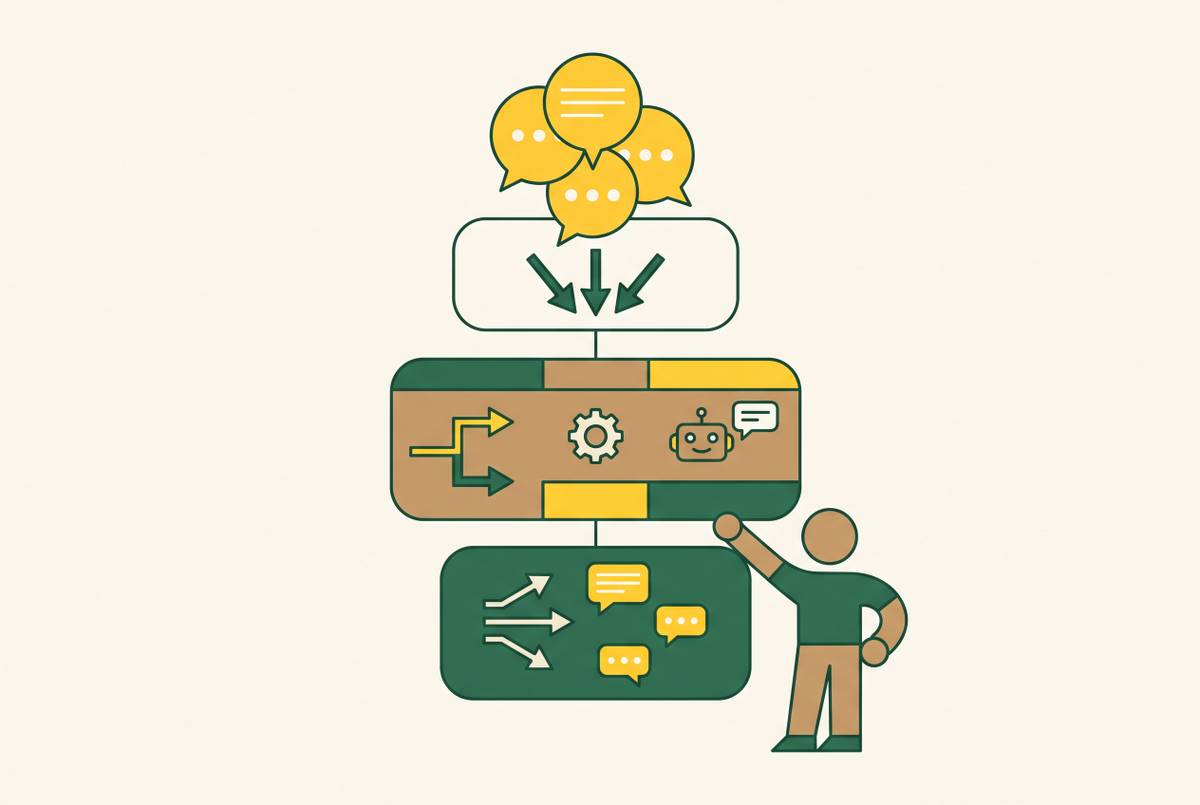
Branch onboarding emails by user behavior, not calendar days, to reach activation.
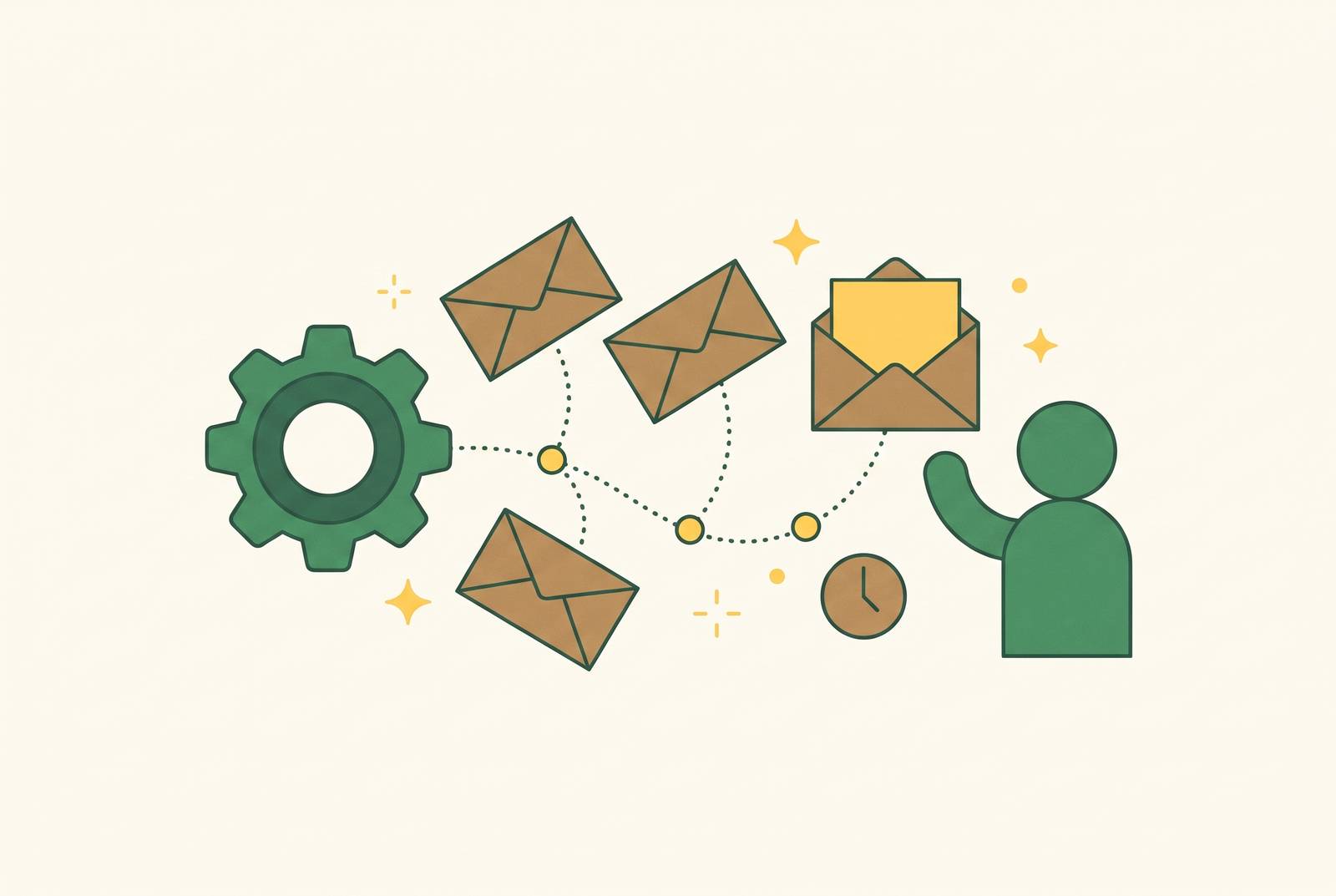
Automated onboarding email sequences for indie SaaS work best when each message helps a user get to a clear activation milestone. The structure runs from welcome to trial-end, but the clock should not control every send. A short timed start, followed by branches based on what users actually do, gives founders a better path from signup to payment than a fixed drip or improvised outreach.
Why so many SaaS signups disappear before they ever pay
Most SaaS products lose the majority of their signups before users reach the moment that would make them want to pay. Signing up shows interest. That interest can fade before the user gets anything useful from the product. A working product alone does not close that gap.
The failure is often in timing and communication. Users go cold before anyone shows them why the product is worth staying for. An onboarding email earns its place by helping someone past that gap. A welcome followed by emails that list features leaves the hardest part to the user.
What "activation" actually means and why it must be defined before writing a single email
Activation is the specific action that correlates with long-term retention. It is not logging in or seeing the dashboard. For a reporting tool, it could mean connecting a data source and generating one chart. The user has now produced something useful. That is the aha moment the sequence should help them reach.
The planning step comes before the writing. Choose one clear activation milestone, then map every step between signup and that milestone. Identify the two or three places where users most commonly stall. Those gaps give emails a purpose, because each message can address a step that stands between the user and a useful result.
Without that definition, polished copy can aim at nothing. A high open rate paired with low activation is a copywriting problem. Once the milestone and stall points are mapped, the founder is ready to design the trigger logic.
Why time-based drip sequences consistently underperform behavior-triggered ones
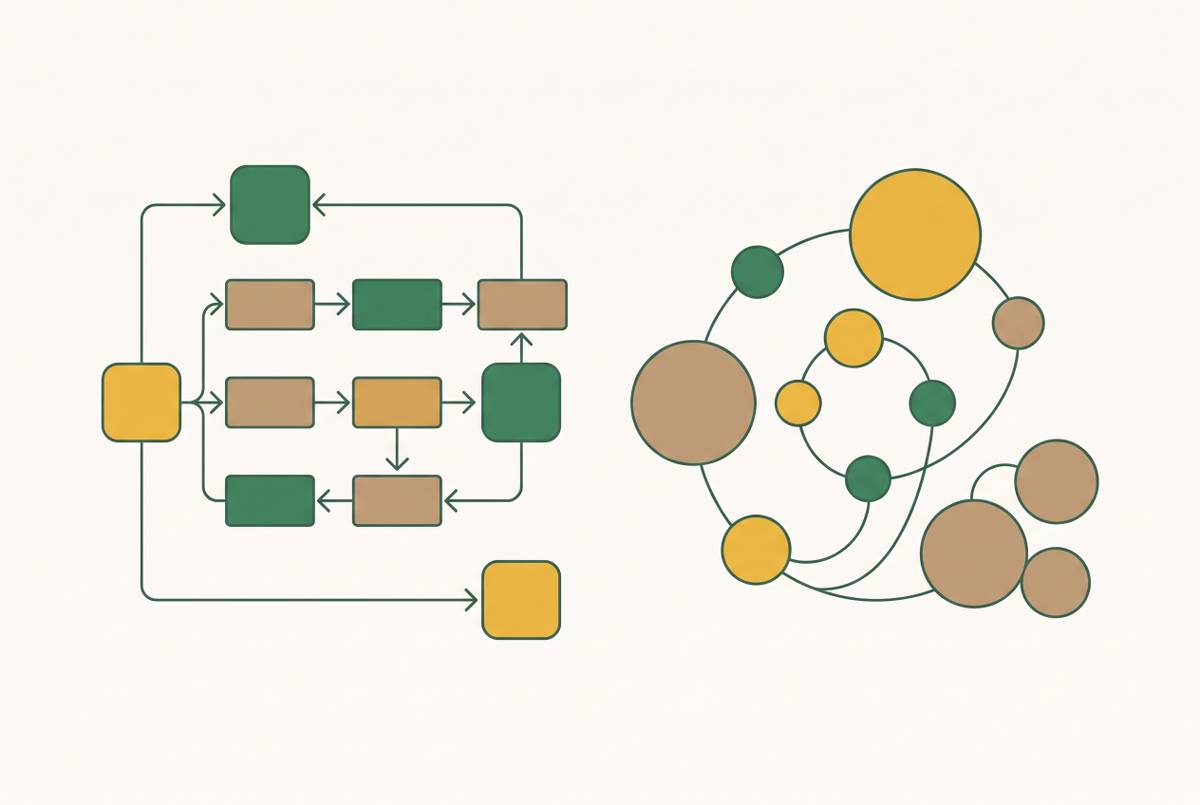
A fixed drip treats elapsed time as a substitute for progress. By day three, however, one user may have activated, another may be stuck, and another may not have returned. Their next steps are not the same. A “here is how to get started” email is irrelevant to the activated user, too generic for the stuck user, and easily missed by the absent one.
The objection to behavioral triggers is fair. They are harder to build because the system needs in-app events that tell it what happened. Time-based sequences are simpler and can work adequately for simple products with a short time-to-value. Adding complexity is not automatically an improvement when users can reach the useful part quickly.
Use a short time-based runway to catch users before they go cold, then branch according to whether they reach key checkpoints.
The seven-email sequence structure, with trigger logic for each send
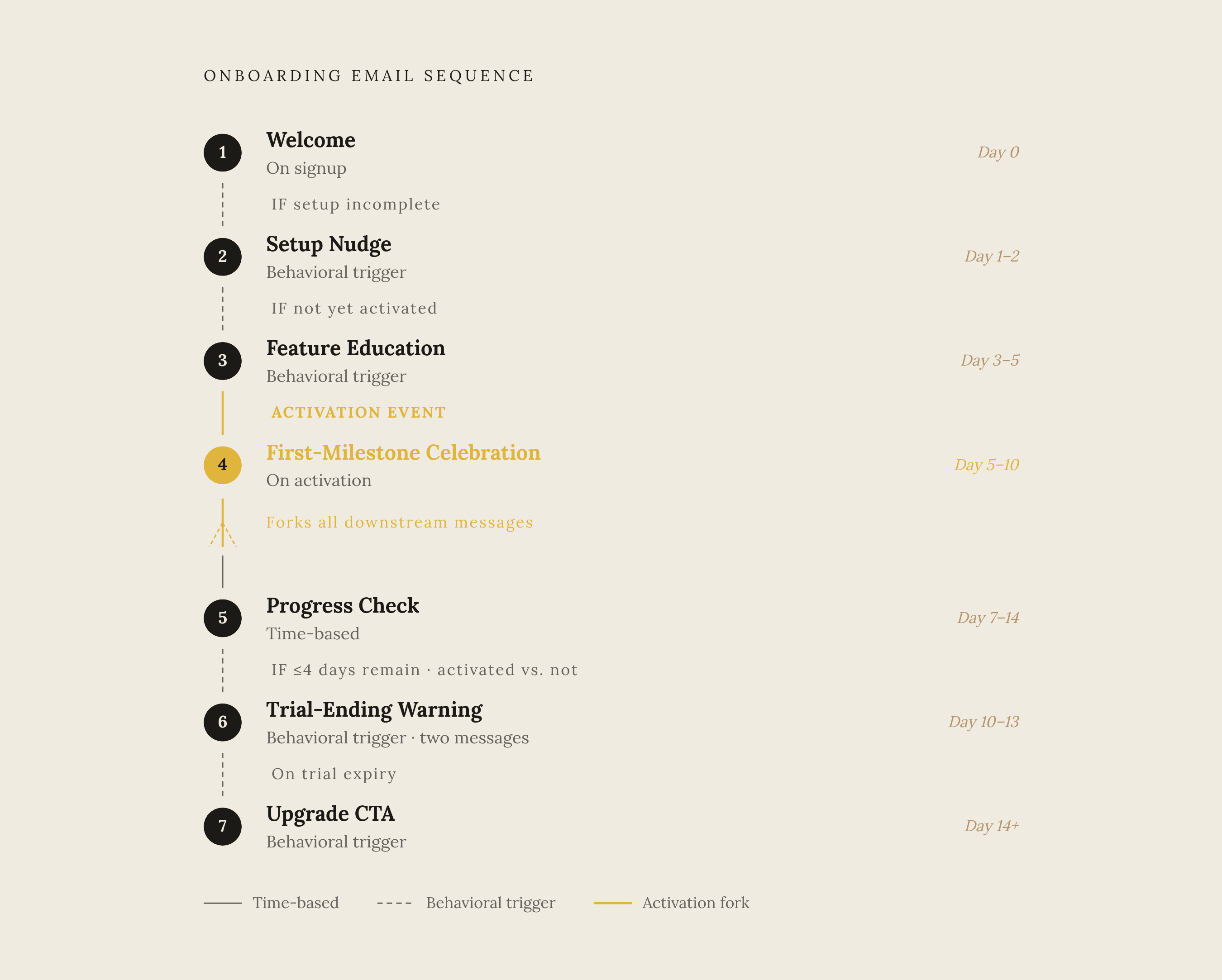
High-performing SaaS onboarding flows commonly use five to eight emails over ten to twenty-one days, with more activity in the first week. The seven-email structure below follows that pattern without making every message compulsory. Some sends depend on progress, while others depend on trial state. A skipped email can be the correct outcome.
Email 1 is the welcome, triggered by signup as the start of the timed runway. Its job is to point the user toward setup and the activation milestone. Keep that first direction focused on getting started.
Email 2 is the setup nudge, scheduled on the early runway and sent only if setup is still incomplete once the system has that event to check. Its job is to bring the user back to the first unfinished step. The branch is simple but useful. Someone who has completed setup should not receive instructions asking them to do it again.
Email 3 is feature education or a use case, sent on day three to five only if the user has not activated. Its job is to show one unused capability that solves a real problem. Use one feature, one outcome, and one demo link. By this point, a specific use case can reconnect a drifting user with the problem they signed up to solve, while a feature list gives them more to sort through.
Email 4 is the first-milestone celebration, triggered by completion of the activation event, with day five to ten as its place in the sequence. DigiStorms documents Loom’s subject line beginning “Congrats, you recorded your first video on Loom 🥳”. The job is to name the achievement and point to the next natural action, reinforcing a habit. Users who never activate never receive it.
Email 5 is a progress check or social-proof message, sent on day seven to fourteen. Its job is to strengthen commitment through either a usage summary or a customer story matched to the user’s segment. Use actual progress when there is progress to show. The same source points to Loom’s year-in-review and Calendly’s weekly booking recap as examples of summaries that reinforce the habit loop.
Email 6 is the trial-ending warning, which goes out in two sub-sends when four or fewer days remain. Its job is to give the user time to decide without pressure. For activated users, the upgrade message should reference what they have already done and will lose access to. For non-activated users, it should become a re-onboarding message that addresses the stall.
Email 7 is the upgrade CTA or post-trial nudge, triggered when the trial expires, on day fourteen and beyond. Its job is to convert warm users and keep cold users from disappearing entirely. Activation state still separates those conversations. Someone who reached value but did not upgrade needs a different nudge from someone who never reached value at all.
Across the sequence, restraint protects later sends. Never send more than two onboarding emails in the first day or two. Send one welcome and one setup nudge. More trains users to mute the sender. Frequency should then de-escalate, staying denser in the first week for stuck users, becoming sparser after activation, and moving to monthly contact after habit formation.
How to choose the email format for each send — plain text vs. styled HTML
Format should follow the job. Plain text suits the welcome, setup nudge, and personal stuck-user check-in because it feels more like a message from the founder and receives higher reply rates. Those emails are trying to start a conversation or remove an obstacle. Heavy presentation is not the point.
Lightly styled HTML works well when a message needs screenshots, GIFs, or step-by-step visuals. Feature education and trial-ending warnings typically benefit from this approach. A useful format helps explain the next action and keeps a personal check-in from feeling promotional.
The tools that run behavior-triggered sequences — what each one handles and where it breaks
Sequenzy is the starting point for an indie founder who wants behavioral triggers without the overhead of a more complex platform. It has affordable lifecycle email along with AI-assisted sequences, revenue attribution, and Stripe integration. That reduces the amount a founder must assemble. The tradeoff is a newer brand with limited integrations and less evidence at scale.
Userlist solves a more specific constraint, which is onboarding several people within one B2B account. Its company-level data model makes that shared process manageable, with pricing from $149/month. Practitioners disagree about whether that model justifies its cost, but team-based onboarding gives it a clear purpose. For individual onboarding, the early expense is harder to justify, and it is not the right fit for consumer or freemium products.
Encharge suits teams that want granular control over behavior-triggered flows. Its visual builder, behavior tracking, lead scoring, and extensive integrations give founders more room to configure the journey. That control requires work rather than removing it. There is no free tier, sequences require manual building, and setup can be complex.
Customer.io serves more complex, multi-channel workflows across email, SMS, and push. Its powerful workflow builder, deep integrations, and strong analytics fit mid-market and enterprise SaaS needs. The learning curve is steep for early-stage founders. Its expense is also a reason to choose based on the workflow required.
How a non-technical indie founder can build the behavioral trigger layer without writing code
The trigger layer can be assembled without writing code, but the system still needs a way to know what users did. The filters and rules built into platforms such as Loops or Sequenzy are the simplest place to start. Their limit is conditional complexity. They fit a straightforward checkpoint better than a flow with many conditions.
For more flexible branching, Zapier or Make can connect the email tool to a product database or analytics source. These visual builders link apps through the steps the sequence needs. Make starts around $9/month with annual billing. The distinction is that the email platform no longer has to handle every connection on its own.
AI agents are another way to build the trigger layer with plain-English instructions. Anthropic’s open protocol, MCP, which stands for Model Context Protocol, gives agents a standard way to connect to external tools and data sources. With those connections, an agent can go beyond drafting copy to read the product database, check activation state, and trigger the right send. Clear instructions still do the work. The founder must explain what should happen when setup is complete and what should happen when it is not.
For a founder with no existing instrumentation, the practical start is smaller than the full blueprint. Build the welcome and setup nudge on a clock, instrument the one activation event that counts, then add a behavioral branch at that checkpoint. One setup-completion trigger produces most of the gain before the full architecture is in place. No-code changes how the rule gets built while still requiring the founder to define it.
Measuring whether the sequence is working — the metrics that matter and the ones that mislead
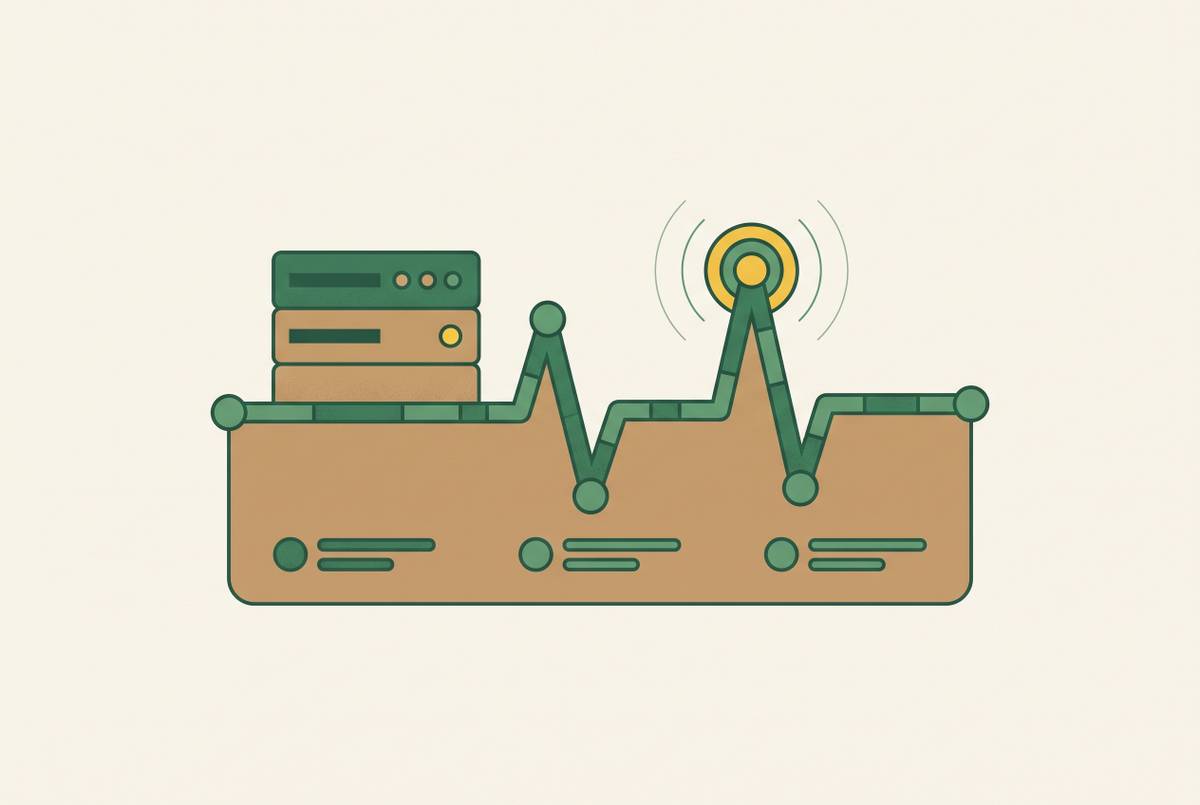
Open and click rates tell a founder little about whether onboarding is doing its job. They show attention. A recipient can open every email and still never generate that first chart.
Activation rate by cohort shows what share of a given week’s signups reached the milestone. Comparing cohorts as the sequence changes helps show whether more users are getting value from the product. That is the first outcome to track. It keeps the sequence tied to the product result it was built to support.
Trial-to-paid conversion rate then needs to be segmented by activation state. The useful comparison is the share of activated users who pay versus the share of non-activated users who pay. For each message, email-level completion tracks whether the people who got it took the CTA action after clicking through.
These measures depend on the same instrumentation as the branches. If the email tool cannot tell whether setup happened, it cannot reliably choose the next message or reveal what changed. Instrumentation must come before optimization.