Zapier vs. Make for Solo SaaS Workflow Automation
Choose your automation platform based on billing structure, not feature lists.
Solo SaaS founders pick the wrong automation tool all the time. They compare feature lists, but the decision that sets your monthly cost is which billing unit each platform counts. Zapier and Make are structurally different in how they meter usage. Understanding that difference is the only reliable way to predict what you will actually pay.
Why the Zapier vs. Make choice comes down to billing structure, not feature lists
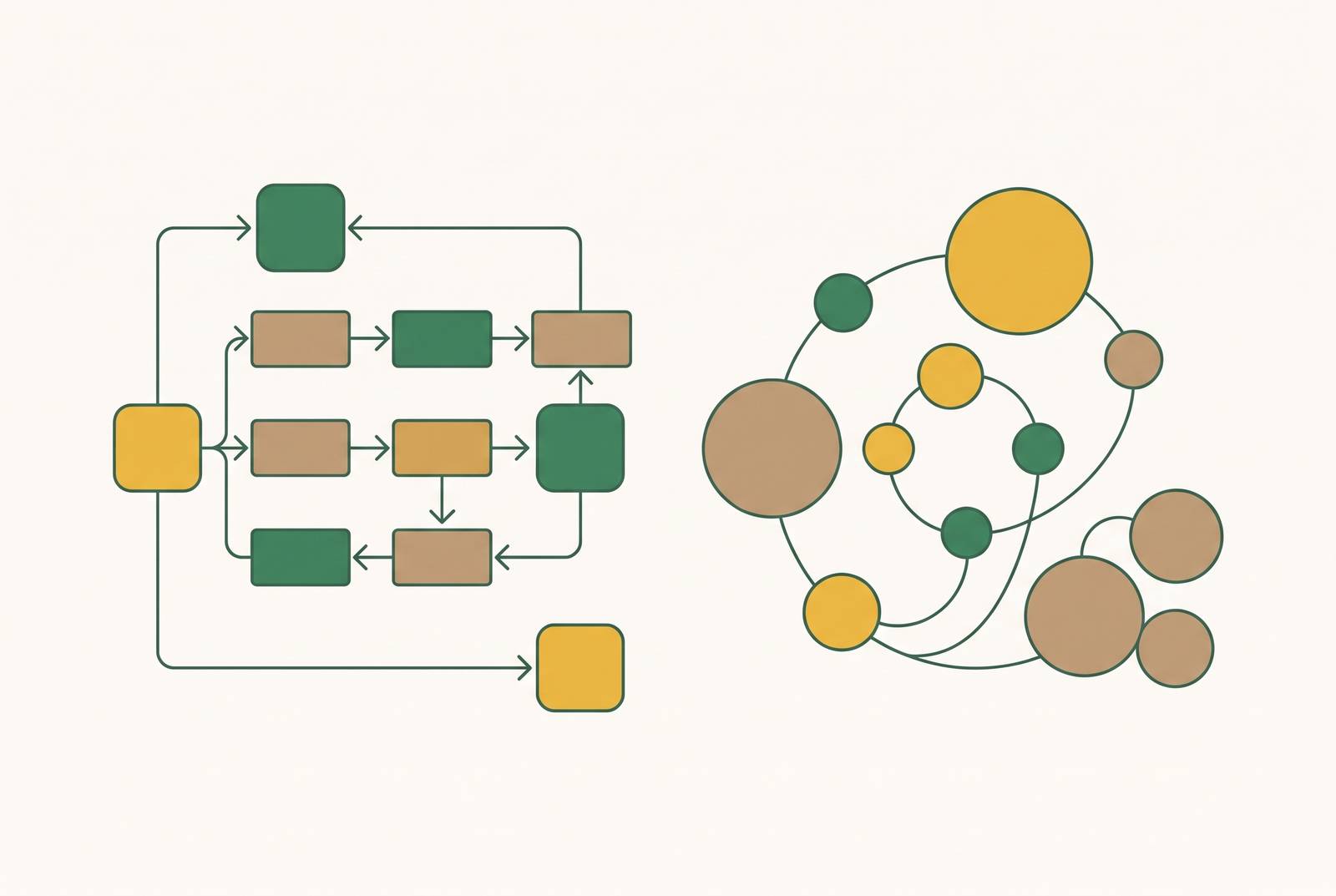
The choice between Zapier and Make is a pricing-logic decision, not a capabilities decision. Both are managed automation tools, so you do not run any infrastructure. They are legitimate alternatives to each other, not to developer tooling. If you compare how many integrations each offers, you are looking at the wrong column. The column that matters is the one that says what counts as a billable event, because that single definition multiplies across every workflow you will ever build.
Most founders discover this after their first invoice. A workflow can look cheap in the builder and still burn through a plan allowance by the third week. The fix, once you understand it, is simple: model your actual workflow on each platform's billing unit before you commit. That is what this article does.
How Zapier counts tasks and what that means for a multi-step workflow
Triggers do not count as tasks. Only successful action executions do. So a workflow with one trigger and three actions costs three tasks per run, not one. A founder who assumes each run costs one task is underpricing their own automation by a factor of three.
Filters and Paths logic are also free. That matters more than it first appears. A founder who uses conditional branching to skip unwanted runs is not charged for the branching itself. Only the actions that actually execute count. Branching is free complexity, so it changes how you should design your workflows if you watch costs. If a run would be wasted, branch it out before it reaches a paid action.
A cloud storage trigger set to poll every five minutes can use up a large share of a mid-tier plan's task allowance on trigger checks, even if the folder rarely gets files. The fix is a webhook trigger, which costs tasks only on real events. This is not an edge case. It is the difference between a plan that lasts the month and one that dies in ten days.
With 750 tasks, you get roughly 187 complete runs per month from a four-step workflow before the ceiling. That is less runway than most founders assume. It is enough for a tool that processes a handful of signups a day. It is not enough for anything that touches real user activity.
How Make counts operations and why the same workflow costs less at volume
Make's billing unit is the operation. An operation counts every module execution including triggers. Filters and routers are credit-free under Make's current billing rules, which softens some of the gap.
The consequence is a different cost curve. Zapier charges a flat fee per action, so what you pay goes up in a straight line. Make charges per operation too, but the plan includes enough operations that most solo founders never hit the ceiling. The shape of that curve matters more than the per-unit price. A founder with a moderate monthly workload will pay very different amounts on the two platforms, and not in the direction the feature list suggests.
Where the billing models diverge at real solo-founder workflow volumes
Take a realistic solo-founder automation: a workflow that watches for new payments, updates a spreadsheet, and sends a chat notification. On Zapier, that is three tasks per run. On Make, it is four operations, because the trigger counts. At low volume the difference is trivial. At higher volume it compounds.
Now add branching. A workflow that routes refunds one way and renewals another, with a few loops thrown in, has far more modules. On Zapier, the branch logic is free, but every action you add inside a branch costs tasks. On Make, routers are free but the trigger and every module still counts. The founder with five-step workflows, conditional branching, loops, or iterator logic will find Make's plan ceilings far beyond what Zapier offers at the same price point. The gap is not small. At volume, it can be an order of magnitude more headroom.
The trade-off is setup speed. Zapier gets a simple workflow running in minutes with no prior experience. Make asks for a few hours of learning the visual canvas. If you are watching burn rate, those few hours pay you back fast.
How Zapier MCP and Make's MCP support change the cost equation for AI-assisted builders
Both platforms now expose MCP servers. That turns them into integration layers that AI tools like Claude, ChatGPT, and Cursor can call directly. This capability was not in the last major round of platform comparisons, and it changes the calculus if you already use an AI tool alongside an automation platform.
Each successful Zapier MCP tool call costs two tasks from the same plan allowance as Zaps. Failed calls do not consume tasks. The Free plan's 100-task ceiling gives roughly 50 complete MCP tool calls per month. That is viable for light testing. It is not viable for any real production volume.
The architectural appeal for solo builders is real. Connect Google Drive, Slack, Stripe, and other tools once, and those connections remain available to any MCP-compatible AI client. Switch from Claude to another AI and the integrations stay live without reconfiguration. That is a genuine convenience, not a minor one.
The structural cost risk emerges at volume. Agents that continuously poll for state changes, asking "has anything changed?" on a short interval, can generate enormous numbers of tool calls. Most of those calls return nothing. Each pair of calls costs two tasks. The MCP protocol roadmap published August 22, 2026 names this the "expensive client-side polling" problem and proposes server-initiated push events as the fix. That specification has not yet shipped.
The practical rule follows from this. For on-demand, judgment-driven AI actions, where the agent decides what to do in the moment, Zapier MCP is well suited. For reliable, recurring automation that should fire the same way every time, a conventional Zap is more predictable and cheaper per run.
Where n8n self-hosting changes the decision for founders comfortable with a VPS
If you are a solo founder and you can run a Linux server, self-hosted n8n changes the cost equation entirely. The Community Edition is free, supports unlimited workflows and executions, and runs on a low-cost VPS. That is a hard number to argue with at volume.
n8n 2.0, launched December 2025, added features that go beyond what either Zapier or Make offer natively. That includes sandboxed code execution, enabled by default through Task Runners. The trade-off is real. Self-hosting means managing uptime, updates, and security yourself. A VPS is not zero infrastructure. For a founder whose time is more valuable than the cost difference, it may not be the right call.
n8n's hosted cloud plans, Starter and Pro, are priced in euros and aim at teams with more complex needs. For a solo founder, the option that matters is the self-hosted Community Edition. It is the smartest financial decision at scale for founders already comfortable with a terminal. It is not a realistic option if you need automation running quickly without server management.
A decision framework for picking the right tool at your current stage
Three variables in combination determine the right tool: workflow complexity, monthly execution volume, and how much you value setup speed versus ongoing cost. Zapier is the right starting point if automation needs to run quickly with no prior experience, workflow steps stay at one to three actions, and monthly volume stays within the 750-task ceiling. It is also the right choice when workflows avoid AI action steps, because the June 2026 change makes AI-heavy Zaps materially more expensive. Make becomes the better fit when workflows have five or more steps, conditional branching, loops, or iterator logic, and when a founder is willing to invest a few hours in learning the visual canvas in exchange for a lower recurring cost. Self-hosted n8n makes sense when the founder is technically comfortable with a VPS, volume is high enough to make the cost difference significant, and data sovereignty or custom AI-agent logic is a priority.
The decision is not permanent. Founders often start on Zapier for speed and migrate to Make when volume justifies the switch. That sequencing is a reasonable strategy rather than a failure of planning. It means paying a little more early for a lot less friction, then optimizing when the numbers make the optimization obvious.
Where Floot fits for founders who want app infrastructure alongside automation
Zapier and Make solve workflow automation between existing SaaS apps. Floot solves a different but adjacent problem: building and running the app itself. For a solo SaaS founder whose automation need is part of building a product, not just connecting existing tools, Floot removes the need to stitch together a separate automation layer, a separate hosting provider, and a separate database service.
Floot is an MCP connector that plugs into Claude, ChatGPT, and Cursor and handles the entire technical stack behind the scenes. Backend logic, database storage, user authentication, recurring tasks, email notifications, and scalable hosting all come built in. A founder can go from conversation to a live app at its own URL without touching a terminal or managing external services. That is a fundamentally different model than Zapier or Make, which assume the app already exists somewhere else and the automation layer sits on top of it.
Floot integrates with Zapier and thousands of other services, so founders who need specific Zapier-only integrations can use both. Floot handles the app infrastructure. Zapier or Make handle the external workflow connections that fall outside the app itself. For a founder building something bigger than a set of connected Zaps, that is the relevant division of labor.